
Switch User Manual
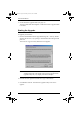
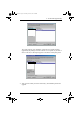
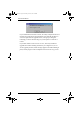
Table Of Contents
- CS1782 User Manual
- Package Contents
- Introduction
- Hardware Setup
- Basic Operation
- Keyboard Port Operation
- Port Switching
- Hotkey Setting Mode
- Invoking HSM
- Alternate HSM Invocation Keys
- Alternate Port Switching Keys
- Keyboard Operating Platform
- List Hotkey Settings
- USB Reset
- Hotkey Beeper Control
- Disable Port Switching Keys
- Firmware Upgrade Mode
- Restore Default Settings
- Display Emulation Technology
- Alternative Manual Port Selection Settings
- Mouse Emulation Control
- Other OS Mode
- HSM Summary Table
- Keyboard Emulation
- The Firmware Upgrade Utility
- Appendix
CS1782 User Manual
28
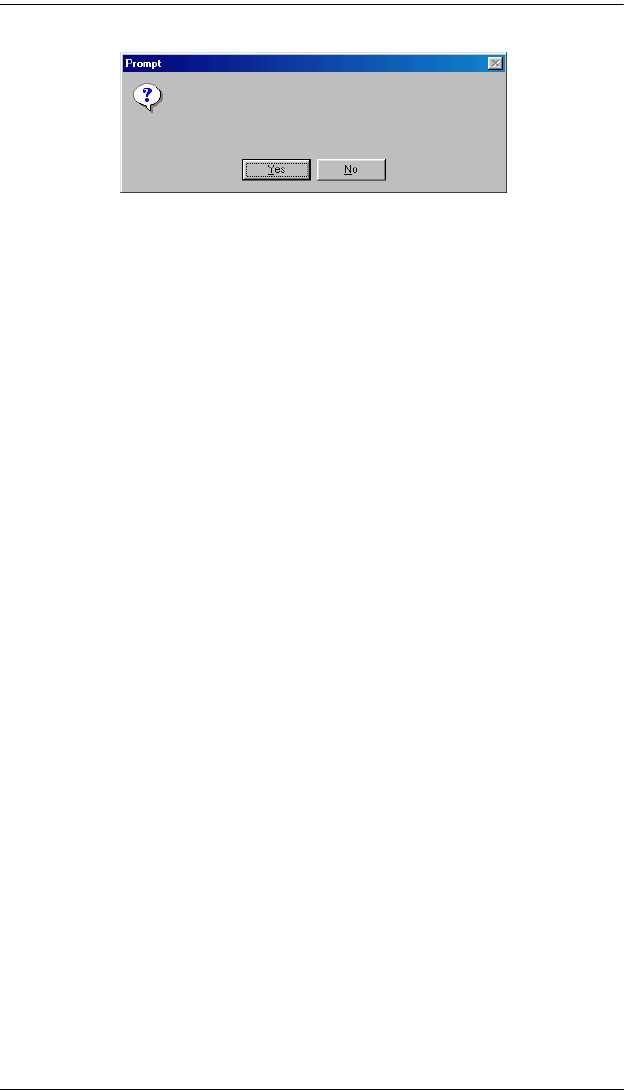
If you enabled Check Firmware Version, the Utility compares the device’s
firmware level with that of the upgrade files. If it finds that the device’s
version is higher than the upgrade version, it brings up a dialog box
informing you of the situation and gives you the option to Continue or
Cancel.
If you didn’t enable Check Firmware Version, the Utility installs the
upgrade files without checking whether they are a higher level, or not.
As the Upgrade proceeds, status messages appear in the Status Messages
panel, and the progress toward completion is shown on the Progress bar.
The firmware [Ver 1.0] is not newer than the current firmware
[Ver 1.0.090] in device CS1782 [MAIN]: 000
Continue the upgrade? [Yes/No]
cs1782.book Page 28 Thursday, June 12, 2008 2:28 PM