
Switch User Manual

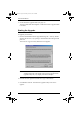
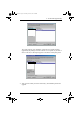
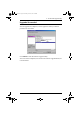
Table Of Contents
- CS1782 User Manual
- Package Contents
- Introduction
- Hardware Setup
- Basic Operation
- Keyboard Port Operation
- Port Switching
- Hotkey Setting Mode
- Invoking HSM
- Alternate HSM Invocation Keys
- Alternate Port Switching Keys
- Keyboard Operating Platform
- List Hotkey Settings
- USB Reset
- Hotkey Beeper Control
- Disable Port Switching Keys
- Firmware Upgrade Mode
- Restore Default Settings
- Display Emulation Technology
- Alternative Manual Port Selection Settings
- Mouse Emulation Control
- Other OS Mode
- HSM Summary Table
- Keyboard Emulation
- The Firmware Upgrade Utility
- Appendix
6. The Firmware Upgrade Utility
27
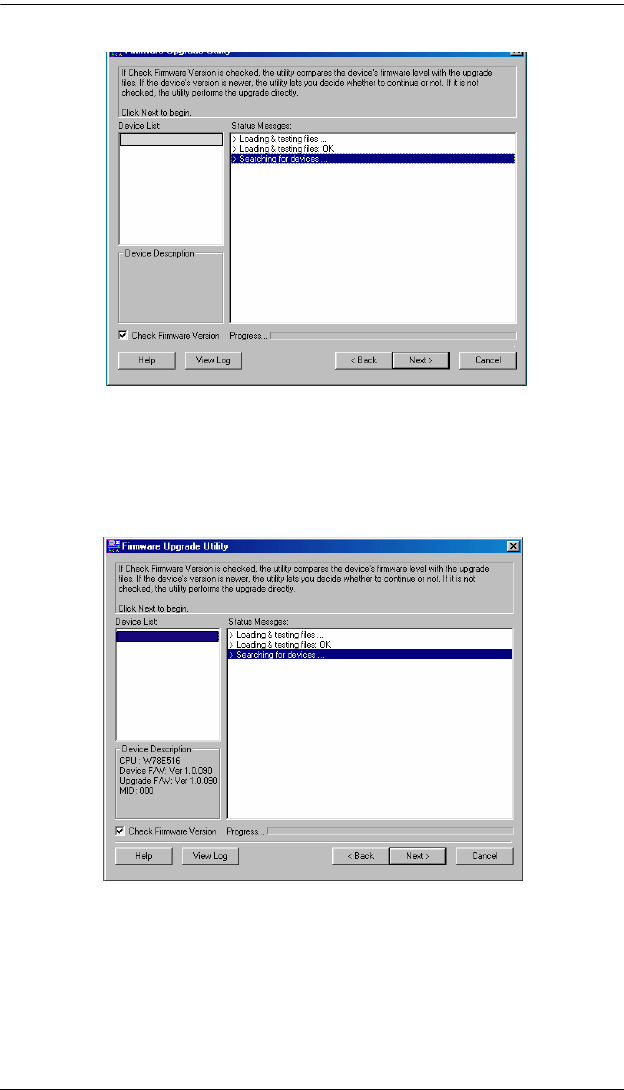
The Utility inspects your installation. All the devices capable of being
upgraded by the package are listed in the Device List panel.As you select a
device in the list, its description appears in the Device Description panel.
4. After you have made your device selection(s), Click Next to perform the
upgrade.
CS1782 [MAIN]: ...
CS1782 (MAIN)...
cs1782.book Page 27 Thursday, June 12, 2008 2:28 PM