
Switch User Manual
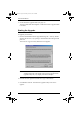
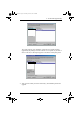
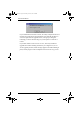
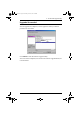
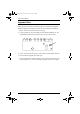
Table Of Contents
- CS1782 User Manual
- Package Contents
- Introduction
- Hardware Setup
- Basic Operation
- Keyboard Port Operation
- Port Switching
- Hotkey Setting Mode
- Invoking HSM
- Alternate HSM Invocation Keys
- Alternate Port Switching Keys
- Keyboard Operating Platform
- List Hotkey Settings
- USB Reset
- Hotkey Beeper Control
- Disable Port Switching Keys
- Firmware Upgrade Mode
- Restore Default Settings
- Display Emulation Technology
- Alternative Manual Port Selection Settings
- Mouse Emulation Control
- Other OS Mode
- HSM Summary Table
- Keyboard Emulation
- The Firmware Upgrade Utility
- Appendix
CS1782 User Manual
26
5. Invoke Firmware Upgrade Mode (see page 18).
The front panel LEDs flash together to indicate Firmware Upgrade Mode
is in effect.
Starting the Upgrade
To upgrade your firmware:
1. Run the downloaded Firmware Upgrade Package file – either by double
clicking the file icon, or by opening a command line and entering the full
path to it.
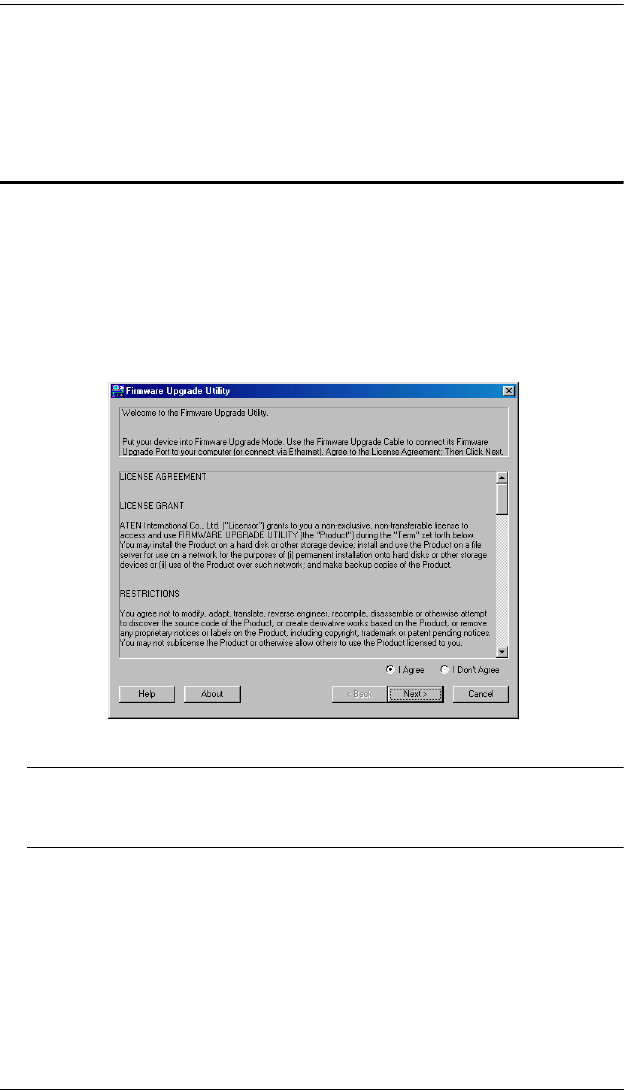
The Firmware Upgrade Utility Welcome screen appears:
Note: The screens shown in this section are for reference only. The
wording and layout of the actual screens put up by the Firmware
Upgrade Utility may vary slightly from these examples.
2. Read the License Agreement (enable the I Agree radio button).
3. Click Next to continue. The Firmware Upgrade Utility main screen
appears:
cs1782.book Page 26 Thursday, June 12, 2008 2:28 PM