
User's Manual
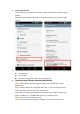
internal sdcard storage.
Disconnect the device from your PC. Step 6:
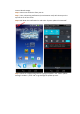
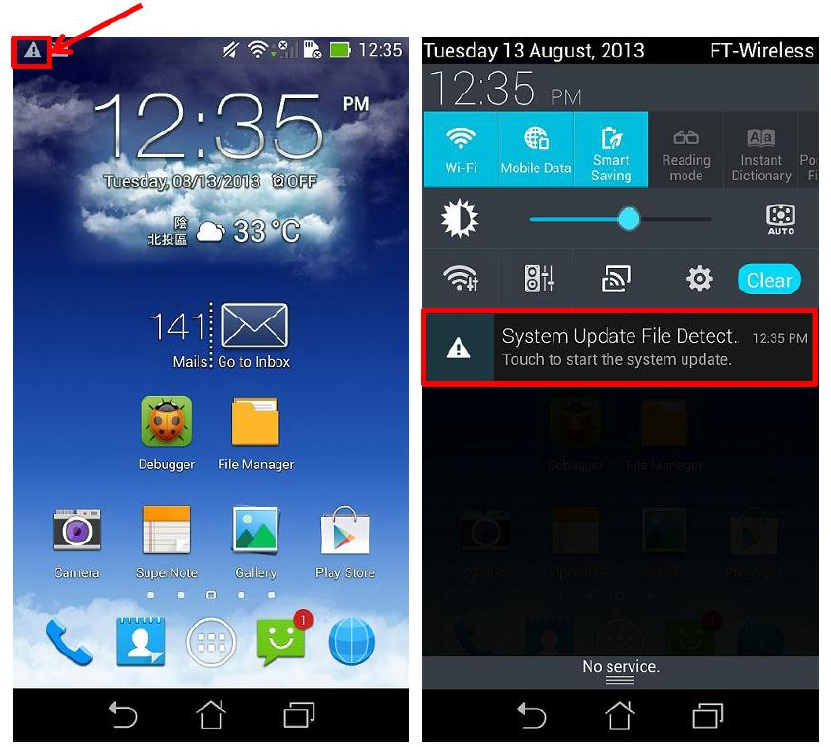
Then, a detecting notification (an exclamation mark) will show up on the Step 7:
top left corner of the screen.
Pull down the notification list and select “System Update File Detected”. Step 8:
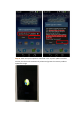
Select the image package which is going to update in the “Select Update Step 9:
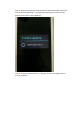
Package” window -> press “OK” to go through the update process.