
Operation Manual


Table Of Contents
www.argonaudio.com
Stream 1
12
6. Setting up for “Play To” Windows 7 streaming media feature
To set-up Argon Stream1 to be controlled and to stream music via Windows Media Player 12 (Windows 7
only), perform the following steps:
1. Ensure that the PC is connected to the network.
2. Ensure that Stream1 is powered on and connected to the same network.
Note: Stream1 must be in an Internet radio mode to be detected.
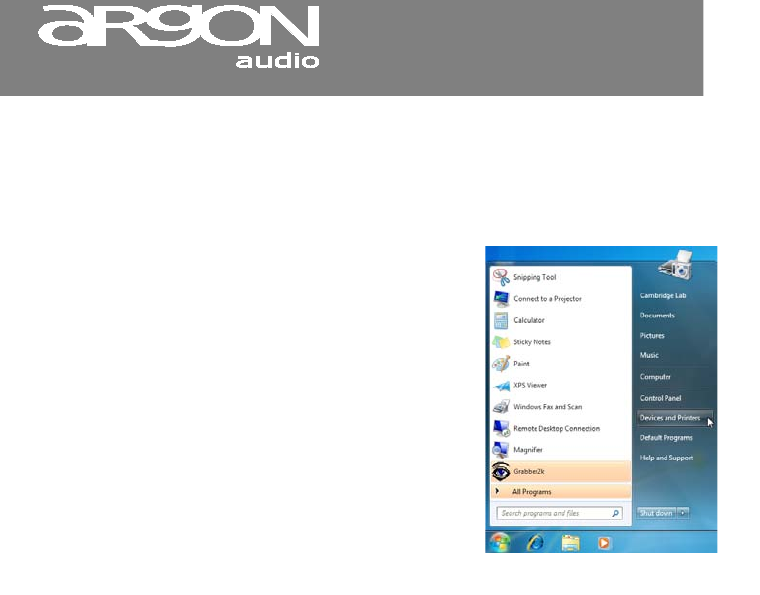
3. From the Windows 7 main screen,
select Start > Devices and Printers.
4. Select the Add a device tab in the top left of the Devices
and Printers window and follow the instruction prompts given
by the wizard.