
Instruction Manual
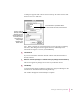
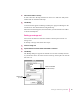
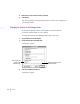
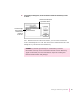

4Select a new location for your Backups folder.
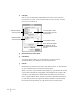
5Click Select.
The new location you specified is saved.
6Establish a connection from your Newton device.
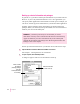
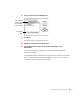
7Click the Backup button and back up all information and packages on your
Newton device.
For more information, see “Backing Up All Information and Packages”
earlier in this chapter.
A new Backups folder with backup files appears in the location you specified.
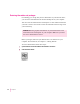
Note: To avoid confusion with previous backups, you may want to remove or
rename backup files stored in other locations.
27
Backing Up and Restoring Information
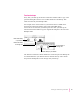
Click to display a
pop-up menu of
disks and folders
on your computer.
Click to select
a folder.