
User manual




Panoramic View
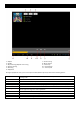
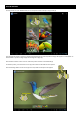
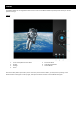
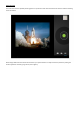
The camera also has the capability of taking pictures in panoramic mode. Press the Panoramic View Icon and the following
screen will appear.
All the images taken with the camera will be saved in your picture folders. You may access these pictures by exiting the
camera application and then going into the picture gallery.