
Manual
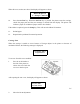
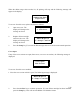

first group will appear on Form Length 66
the top line of the display,
with the first feature of the
group appearing on the bottom
line.
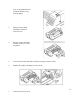
3. Press the Group key until G4 Serial Ctrl
you have accessed Group Serial RS-232
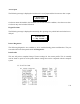
4. The display will appear
as shown.
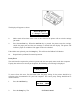
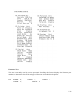
4. Press the Feature key to G4 Serial Ctrl
select parity. Parity
5. Press the Value key to G4 Serial Ctrl
select the desired parity. Parity
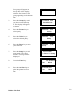
6. Press the Enter key to save G4 Serial Ctrl
your selection. Parity
7. Press the Setup key to exit Save Profile?
setup mode. The “Save Y = Enter N = Setup
Profile?” message will be
displayed.
8. Press the Enter key. P1 Profile One
Font DP10
9. Press the On Line key to P1 Profile One
place the printer back on Font DP10
line.
5-9
Ribbon Life End