
Owner`s manual





28
Searching For Locations
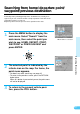
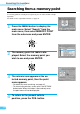
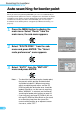
Press the MENU button to display the
main menu. Select "Search" from the
main menu, then select MEMORY POINT
from the sub-menu and press ENTER.
1
If a memory point has already been registered, you can call it out with a simple
operation.
For details on the registration method, see page 35.
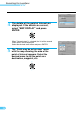
The memory point list table is dis-
played. Select the memory point you
wish to see and press ENTER.
2
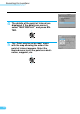
The reticule icon appears at the se-
lected memory point, then the point
menu appears.
• For details on route searching, see page 42.
• To return to the previous screen, press the RETURN
button twice. When this button is pressed only once,
the point menu will not be displayed.
3
Searching from a memory point
ENTER
ENTER
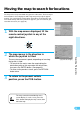
To return to the present vehicle
position, press the POS. button.
4