User`s manual
Manuals
Brands
Advantech Manuals
Laptop
RUGGED PENTIUM IPPC-9150
81
82
83
84
85
86
87
88
89
90
65
Chapter 8
2.
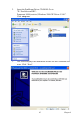
Insert the PenMount Driver CD-ROM. Go to:
"D:\T
ouchScreen-DR
V\
Penmount 9000(resistive)\Windows 2000-XP Driver V4.01".
Click
setup.exe
.
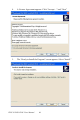
3.
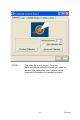
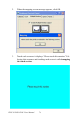
The screen displays the installati
on wizard for the PenMount soft-
ware. Click “Next”.
1
...
...
79
80
81
82
83
...
...
152