
User`s manual

53 Chapter 6
6.2 Installation of the VGA Driver
Complete the following steps to install the VGA driver. Follow the proce-
dures in the flow chart that apply to the operating system that you are
using within your IPPC-9120G/9150G.
6.2.1 Installation for Windows 95/98/ME
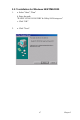
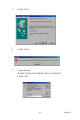
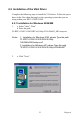
1. a. Select "Start", "Run"
b. Enter the path
D:\IPPC-9120G 9150G DRV & Utility\VGA\Win9X_ME\setup.exe
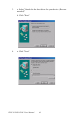
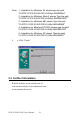
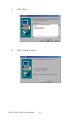
2. a. Click "Next"
Notes: 1. Installation for Windows 2000, please Type the path
“D:\IPPC-9120G 9150G DRV & Utility
\VGA\Win2000\setup.exe"
2. Installation for Windows XP, please Type the path
"D:\IPPC-9120G 9150G DRV & Utility\VGA\WinXP"