
User`s manual

54
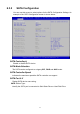
6.3.2 SATA Configuration
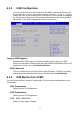
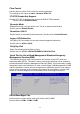
You can use this screen to select options for the SATA Configuration Settings. An
example of the SATA Configuration screen is shown below.
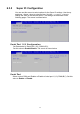
SATA Controller(s)
Enable or disable SATA device.
SATA Mode Selection
The SATA can be configured as a legacy IDE , RAID and AHCI mode.
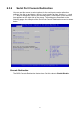
SATA Controller Speed
Indicates the maximum speed the SATA controller can support.
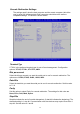
SATA Port 0~5
Display SATA device name string.
SATA Device Type:
Identify the SATA port is connected to Solid State Drive or Hard Disk Drive.