
User`s manual

46
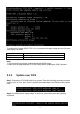
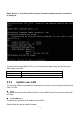
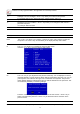
Step1: Prepare an external x86 PC and connect the target aTCA-9300 via BASE Interface.
Put IPMItool and “target image” on the x86 PC with Linux system. Enter the following
command:
At the password prompt, just press "Enter" key
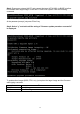
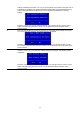
Step2: Select “y” and wait until the string of “firmware update procedure successful”
is displayed.
To update other images (BIOS, FRU, etc), just replace the target image and the file name
while typing command.
Item File name
IPMC firmware hpm1fw.img
BIOS hpm1bios.img