- CITIZEN Dot Matrix Printer User's Manual
Manuals
Brands
Addlogix Manuals
Printer
iDP-3410
21
22
23
24
25
26
27
28
29
30
iDP-3410 User’s Manual
5.
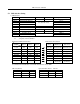
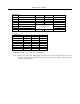
DIP SWITCH SETTING
5.1
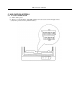
Location of DIP Switch
(1)
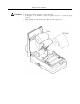
Turn off the power.
(2)
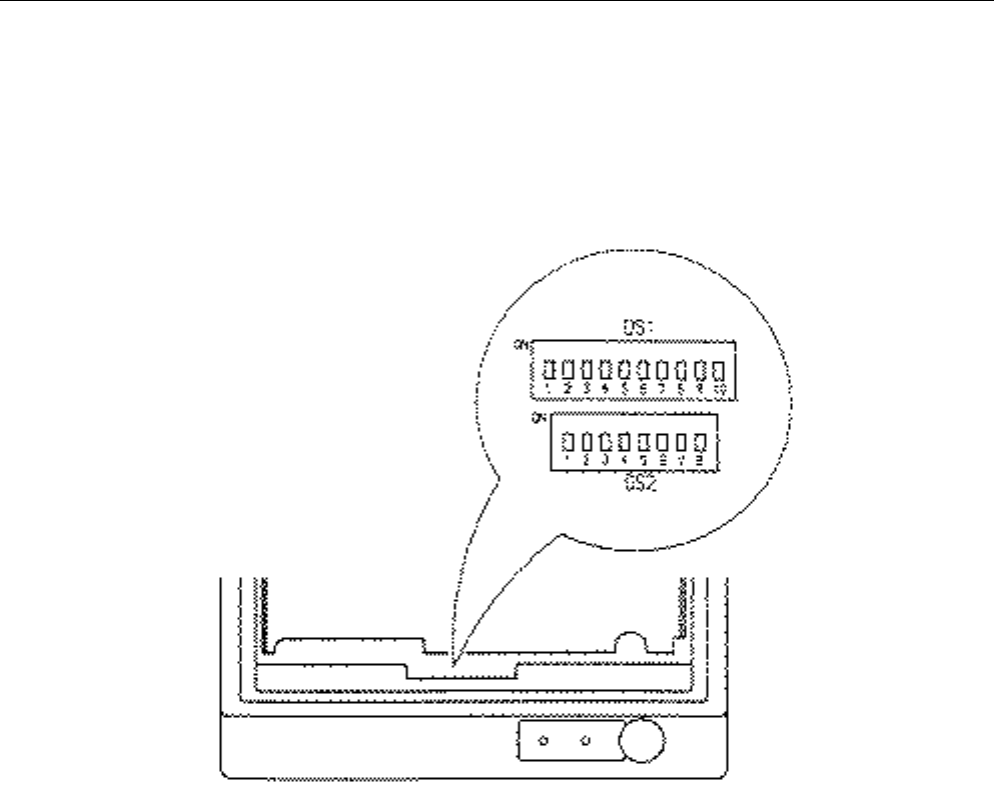
Remove a cassette ribbon. The DIP switches are located as shown in the figure below.
(Only DS1 provided for the parallel interface)
1
...
...
26
27
28
29
30
...
...
152