
Instruction Manual





PROGRAM STEPS
MILLPWR
®
Operation Manual
Simple Milling & Drilling
Set Tool
"Set Tool" defines the tool and should appear as the first
step in all of your programs. You should also insert a "Set
Tool" step anywhere you want to change tools.
MILLPWR
will apply the last tool setting to the program steps that follow.
T
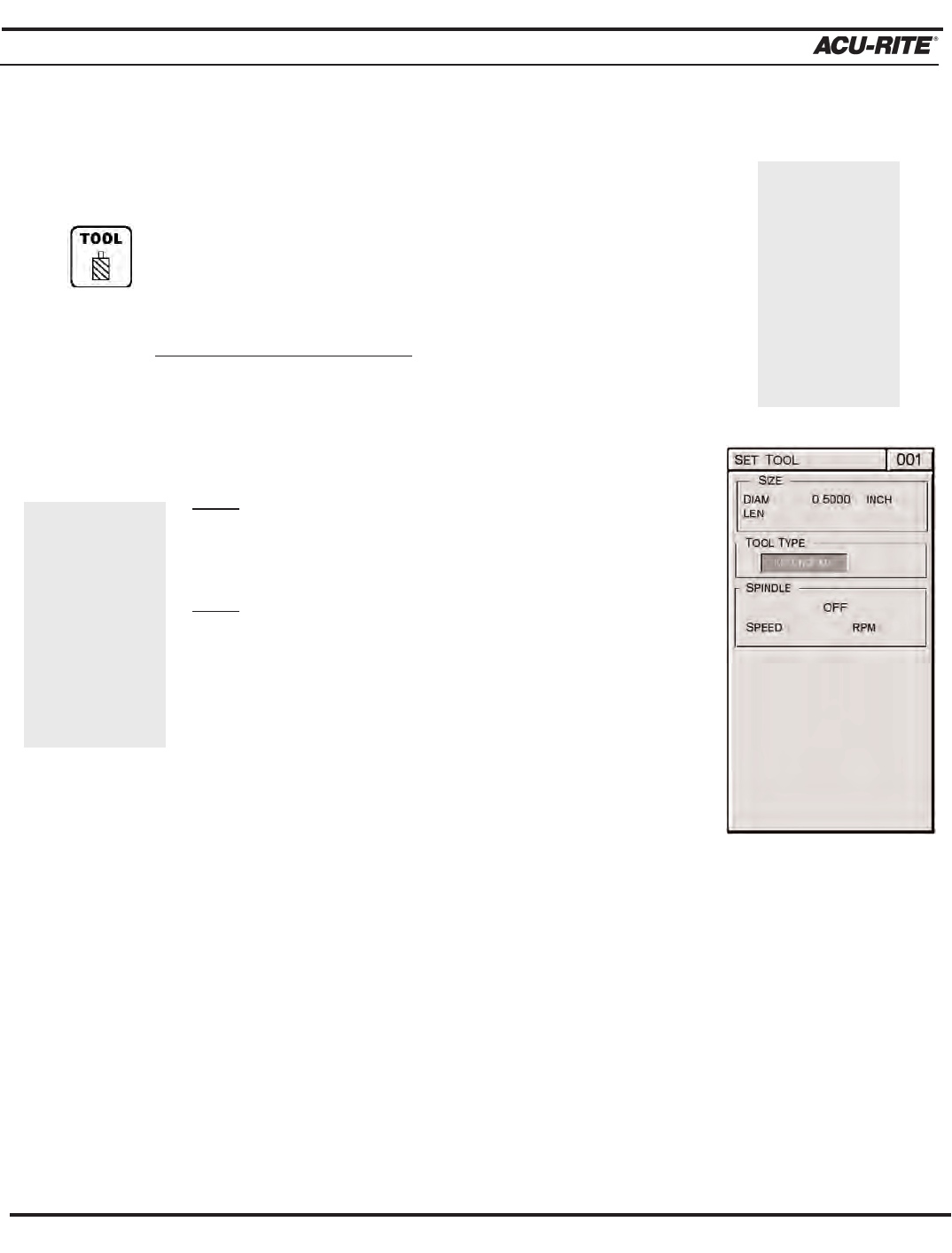
o program a “Set Tool” step:
• Press the TOOL key.
• Enter the tool's diameter.
Note:
If you leave the “Diam” field blank, you will be
prompted to provide a diameter once the program
is running.
Note:
Tool length offsets are mentioned later on
within this section.
• Highlight the "Tool Type" field.
• Press the
TOOL TYPES softkey for a list of avail-
able tool types.
• Highlight a tool type, then press the
ENTER key.
• For spindle control, select from the
OFF, FORWARD and
REVERSE softkeys.
If you selected "Forward" or “Reverse,” enter a spindle speed.
An Operator Intervention Message (OIM) will prompt you to set
the speed and direction when you run a program. (If your
machine's set up to control the spindle,
MILLPWR will adjust the
speed and direction for you.)
• Press the
USE key.
5-1
If you press the
TOOL LIBRARY
softkey, high-
light a tool and
press ENTER,
MILLPWR will
fill in the
"Diam," "Len"
and "Tool Type"
fields for you.
Consider
entering a
Position/Drill
step before the
Set Tool step.
This will enable
you to go to a
location away
from the work-
piece to change
tools.