
Instruction Manual





DEMONSTRATION
MILLPWR
®
Operation Manual
4-19
Running the Program
The first step in running a new program is to establish datum.
Remember that to chose the center of the bolt circle as datum.
• Place the workpiece into a vise.
• Position the tool over the workpiece where you
want the center of the bolt circle’s datum to be.
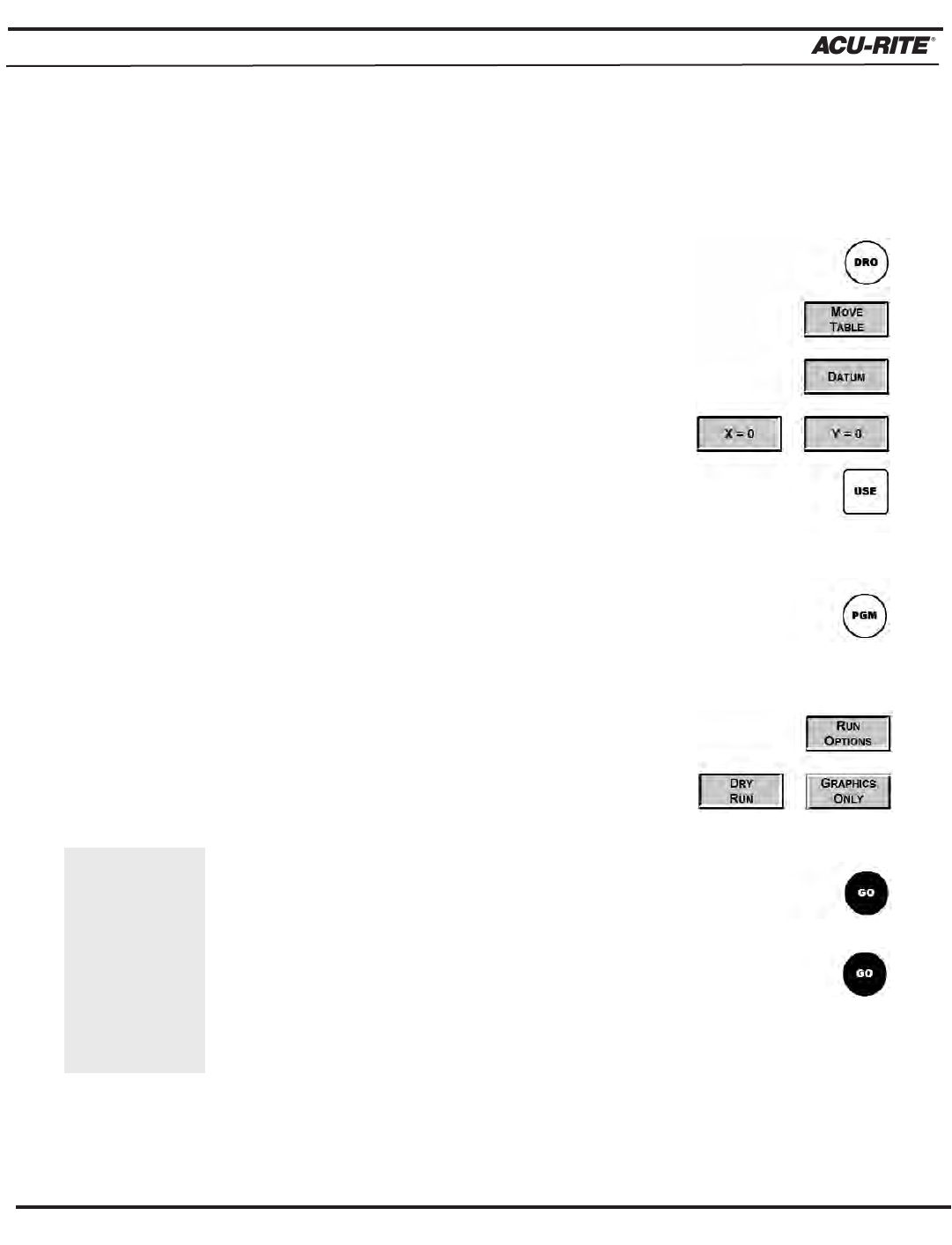
• From the DRO screen, press the
DATUM softkey.
• Press the X = 0 and Y= 0softkeys to establish the
current tool position as datum, and then press the
USE key.
• Return to the program by pressing the
PGM key.
Perform a second dry run, this time allowing the table to move
to see if we have correctly set Zero.
• Press
RUN OPTIONS then press DRY RUN.
Check that GRAPHICS ONLY is not selected.
• Now press the
GO key and check that the tool is
clear of any obstruction.
• Press the
GO key again. MILLPWR will run each
step without stopping.
If the cursor
is positioned
past the last
step, MILLPWR
will automati-
cally go to step
001 when you
press GO.