
Instruction Manual


PROGRAMMING
MILLPWR
®
Operation Manual
3-21
• After you have named your directory, press the CREATE DIRECTORY softkey again to
enter your choice. The "Directory" screen will now disappear.
Additional directories (and subdirectories) may be added at any time.
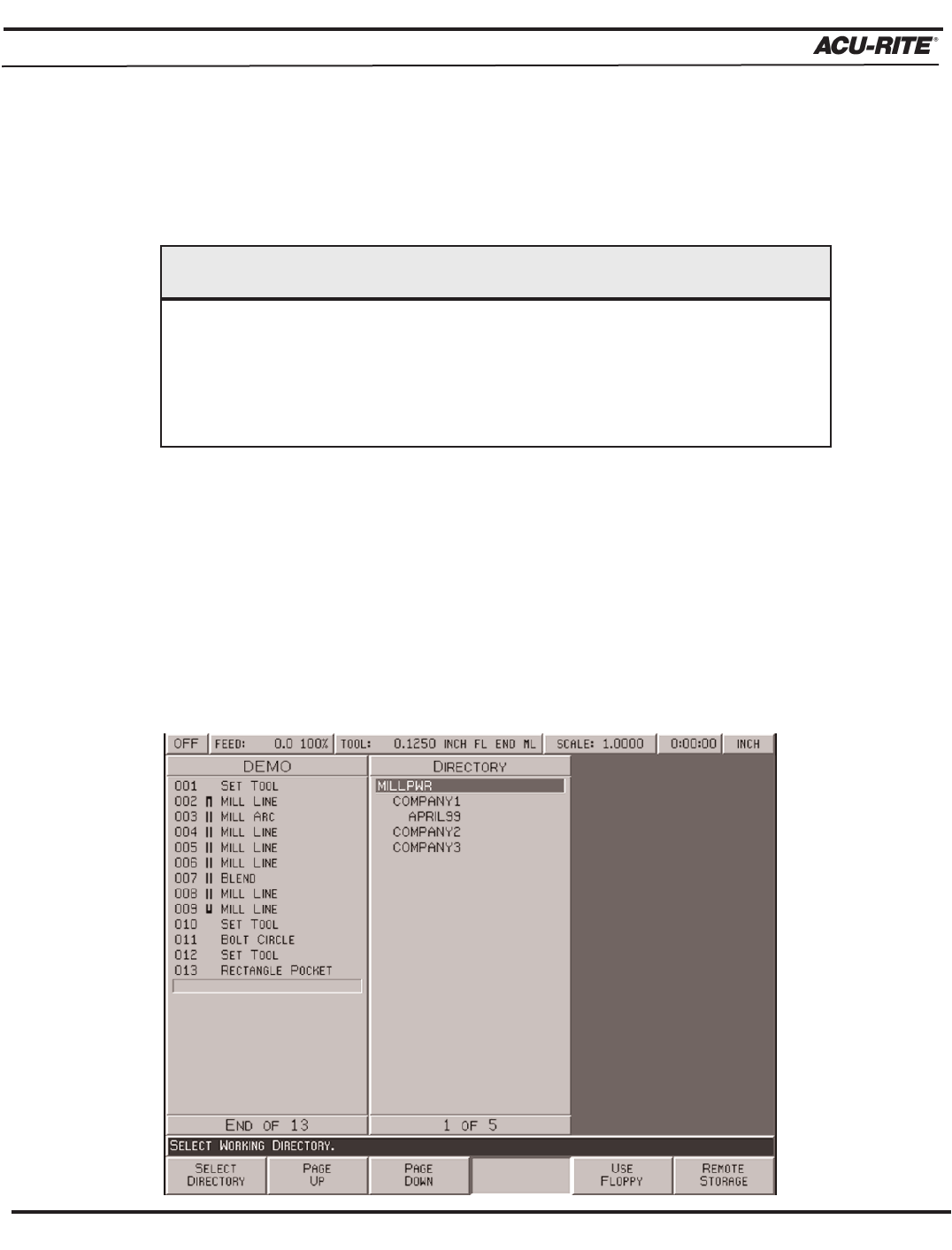
Selecting a Directory
The
SELECT DIRECTORY softkey allows you to open any of the directories that you have
previously created on
MILLPWR's internal memory, on a 3
1
/2" floppy disk, or on your PC.
You may use this feature any time you save or load a program.
• Press the
PROGRAM FUNCTIONS softkey, then the DIRECTORY softkey. Press the
SELECT DIRECTORY softkey—a directory list will appear.
Creating a directory does not mean that the directory is selected. If you plan
to save the current program in the directory you just created, you must select
the new directory first. Otherwise, the program will be saved in the last
directory that was selected.
IMPORTANT