
- LG Software Innovations Two-Way Radio User Manual

10-23SPECIAL FEATURES
1
2
3
4
5
6
7
8
9
10
11
12
13
A
SPECIAL FEATURES
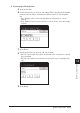
If you setup a Security box
5
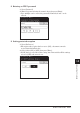
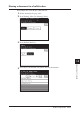
Press [Secure Box].
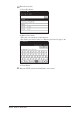
6
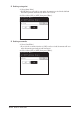
Use the numeric keys to enter the sub-address. This is the numerical identifier
you must enter in order to communicate with any remote F-code compatible
fax.
• Up to 20 digits can be entered for sub-addresses. Numerals, #, * can be
entered.
• If the number is incorrect, press [Clear] to erase it, then re-enter the number
correctly.
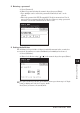
7
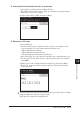
Press [Enter].
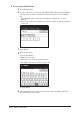
8
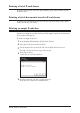
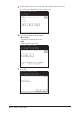
Use the numeric keys to enter the I.D. code (4 digits).
• The I.D. code is required to retrieve documents in the security box, or to edit
the box settings.
• The I.D. code cannot be viewed after it is entered, be sure to remember this
code.
9
Press [Enter].