
- LG Software Innovations Two-Way Radio User Manual

7-26 COPYING
3
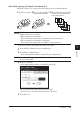
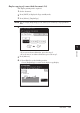
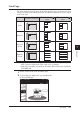
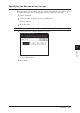
(1) Select the type of object you want to copy.
(2) Press [Advance].
4
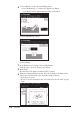
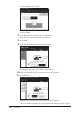
(1) Press [Paper] to select the paper.
• You can change the type of object by pressing [Card Copy].
(2) Press [Enter] twice.
5
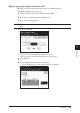
Press [Start].
6
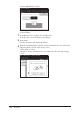
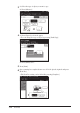
Once scanning has completed, turn over all of the placed originals and press
[Next Doc].
• The Next Doc setting can be deleted by pressing [Complete].